AI Photo Restoration Pro

Upload your own low-quality photos to reduce pixelation and blur and restore clarity.

Chrome extensions

Use AI Image Toolbox for demosaic and depixelation

Install AI Image Toolbox if you frequently restore censored, pixelated, or blurred images from pages you are already viewing in Chrome.

See all Chrome extensions
Restore, cutout, portrait, and stylized edits

AI Image Toolbox

Start restoration, cutout, portrait, and creative image workflows directly from Chrome.

Use AI Image Toolbox when you want a faster path from in-browser images to restoration, demosaic, cutout, cartoon, couple, makeup, or portrait workflows in 1Bit AI.

New: Faster HD Photo Restoration

Free AI Photo Restoration: Depixelate & Sharpen

Have your own blurry, pixelated, or low-resolution photos? Our **AI Photo Restoration** tool helps you **reduce pixelation**, **sharpen blurry shots**, and **recover lost detail** in your own images with stunning accuracy. Whether you are reviving an old family photo or cleaning up a low-res snapshot, our neural network reconstructs textures for a **crystal-clear finish**. Start your restoration for free.

Reduce Pixelation & Blur
Recover Lost Detail
AI Portrait Restoration
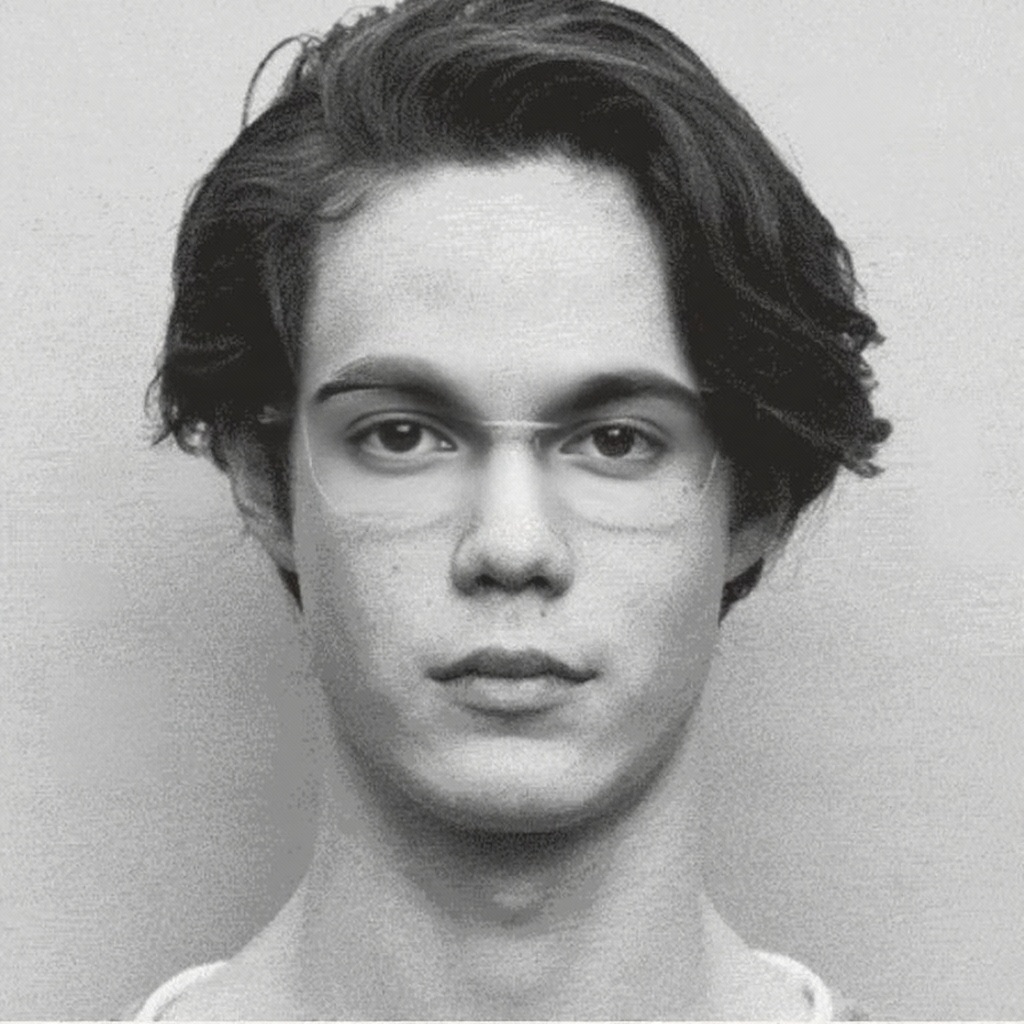
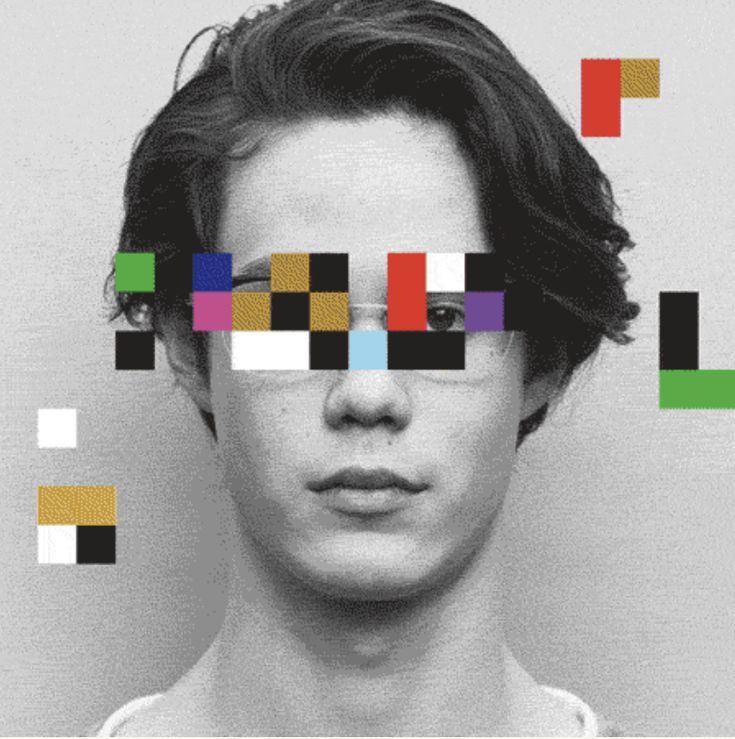
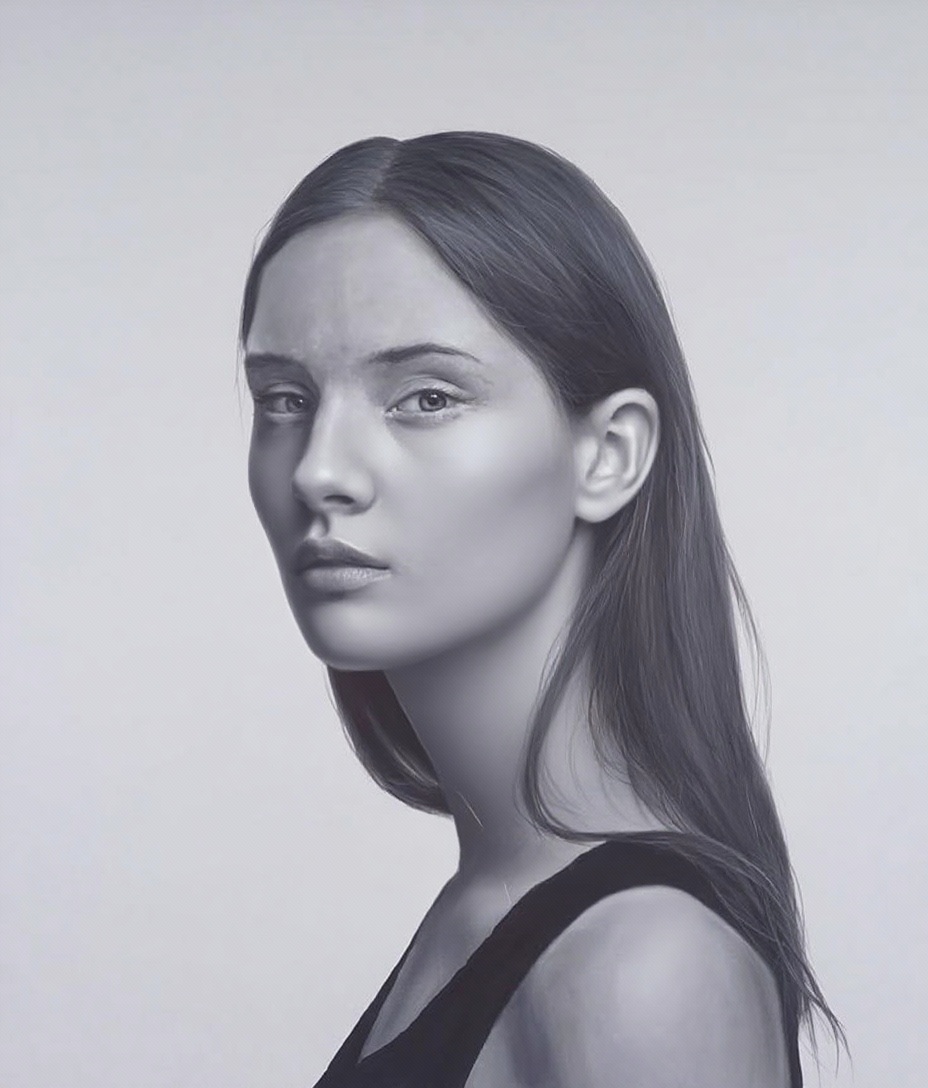
AI Photo Restoration Result - Before and After Depixelation
✨ AI Restoration
Original Pixelated Low-Quality Image
Before
AI technology reducing pixelation and restoring image texture

Advanced AI Restoration: Beyond Simple Smoothing

Unlike traditional tools that just smudge the pixels, our **Deep Learning AI** analyzes the surrounding visual context to **reconstruct lost detail** in your own photos. It effectively reduces **Gaussian blur**, **mosaic artifacts**, and **heavy pixelation**. Perfect for reviving old family photos, sharpening low-resolution snapshots, and bringing clarity back to images you own.

How to Depixelate & Sharpen Your Photos

  • Upload Your Image

    Select your own low-quality or pixelated photo. Our tool supports single image restoration or batch processing.

  • AI Auto-Processing

    The AI automatically detects blur, mosaics, and pixelation, then begins high-fidelity reconstruction.

  • Download HD Result

    Save your restored, clear image in high resolution without any hidden costs.

https://www.1bit.ai

Enterprise-Grade AI Infrastructure

Transparency drives trust. Our multi-layered orchestration engine ensures your creative intent is translated into high-fidelity visual assets with industry-leading precision and security.

Multi-Model Synergy

Our system intelligently routes prompts to specialized engines. Seedream 4.0 handles ultra-realism, while Nano Banana (Gemini-Powered) excels in complex logical reasoning.

Dynamic Routing v2.5

Semantic Understanding

Utilizing a dedicated LLM layer, we expand simple keywords into professional-grade descriptors, automatically optimizing lighting, camera angles, and texture parameters.

NLP Refinement Layer

Data Privacy & Rights

Your inputs are encrypted and never used for public training. You retain 100% commercial ownership of every image generated through our professional pipeline.

GDPR & DMCA Compliant
How it works

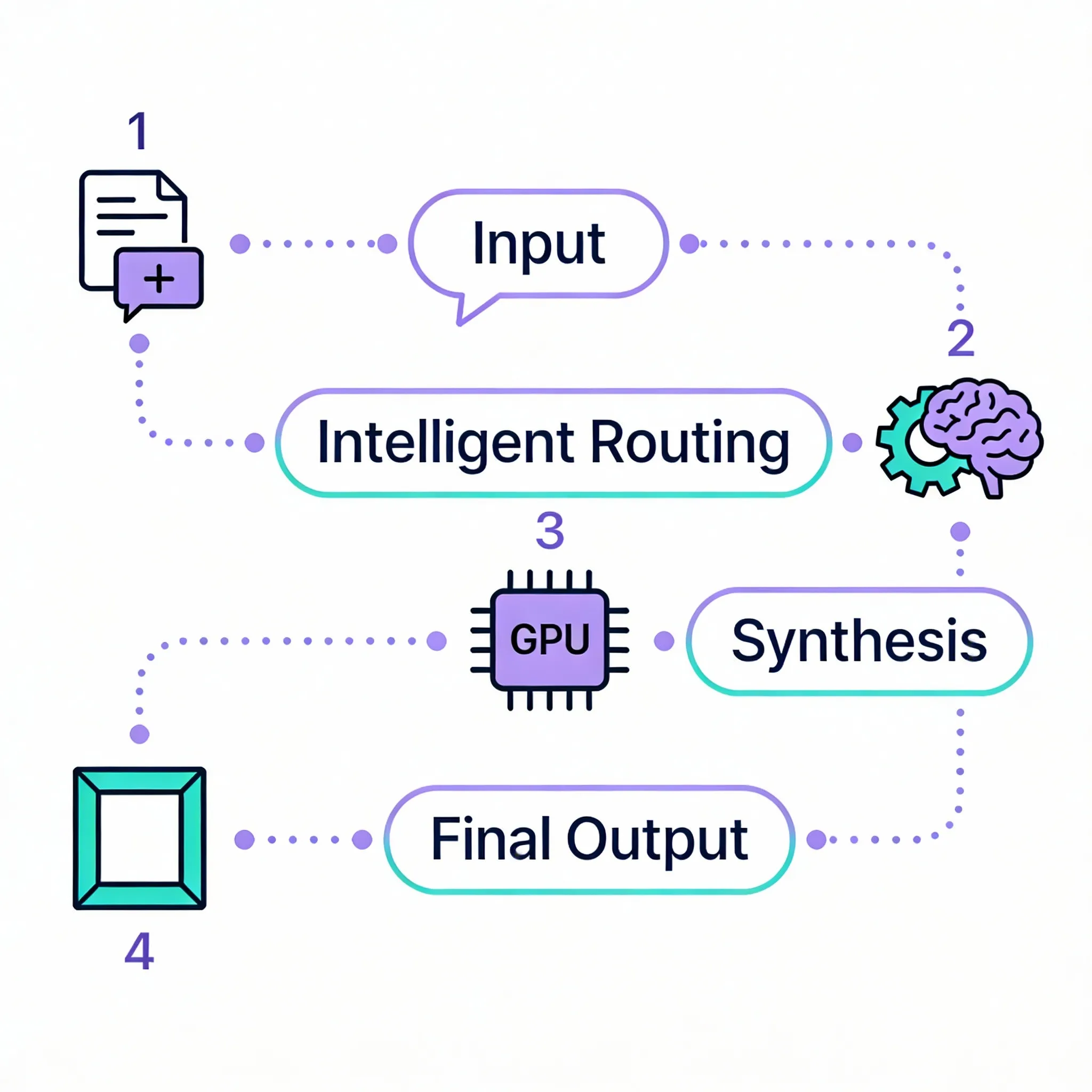
The Neural Generation Pipeline

1

Input Orchestration

Your prompt is analyzed by our NLP layer to resolve ambiguities and assign the best visual model.

2

Engine Synthesis

High-performance GPU clusters execute 30-50 iterative denoising steps to forge pixels with extreme clarity.

3

Post-Processing Guardrails

Final assets are upscale-ready and checked against our safety filters before being delivered to you.

1bit.ai Technical Architecture Flow

AI Model Performance Benchmark

* Verified by 5,000+ internal benchmark tests

Feature Nano Banana Pro Best for Professional Use Seedream 4.5 High Fidelity Visuals Standard AI Models
Text Rendering in Images
Excellent
95%+ accuracy, multilingual
Good Basic Support
Presentation Optimization
Advanced
Studio-grade layouts
Cinematic
Photorealistic focus
Standard
Infographic Generation
Specialized
High Quality Basic
Speed Fast Balanced Varies
Chart & Diagram Support
Excellent
Text + Data visualization
Visual Only Limited

Frequently Asked Questions

Everything you need to know about AI Photo Restoration Pro

It uses Generative Adversarial Networks (GANs) to predict the original pixels behind the mosaic or blur, effectively reconstructing your image rather than just blurring it further.

It is designed to restore your own low-quality, pixelated, or blurry photos — such as old family pictures or low-resolution snapshots. You should only upload images you own or have the right to edit.

New users receive free credits upon sign-up to experience our high-quality AI restoration services at no cost.

Yes. The AI is specifically trained on facial features to help sharpen and restore clarity to pixelated or motion-blurred portraits in your own photos.